
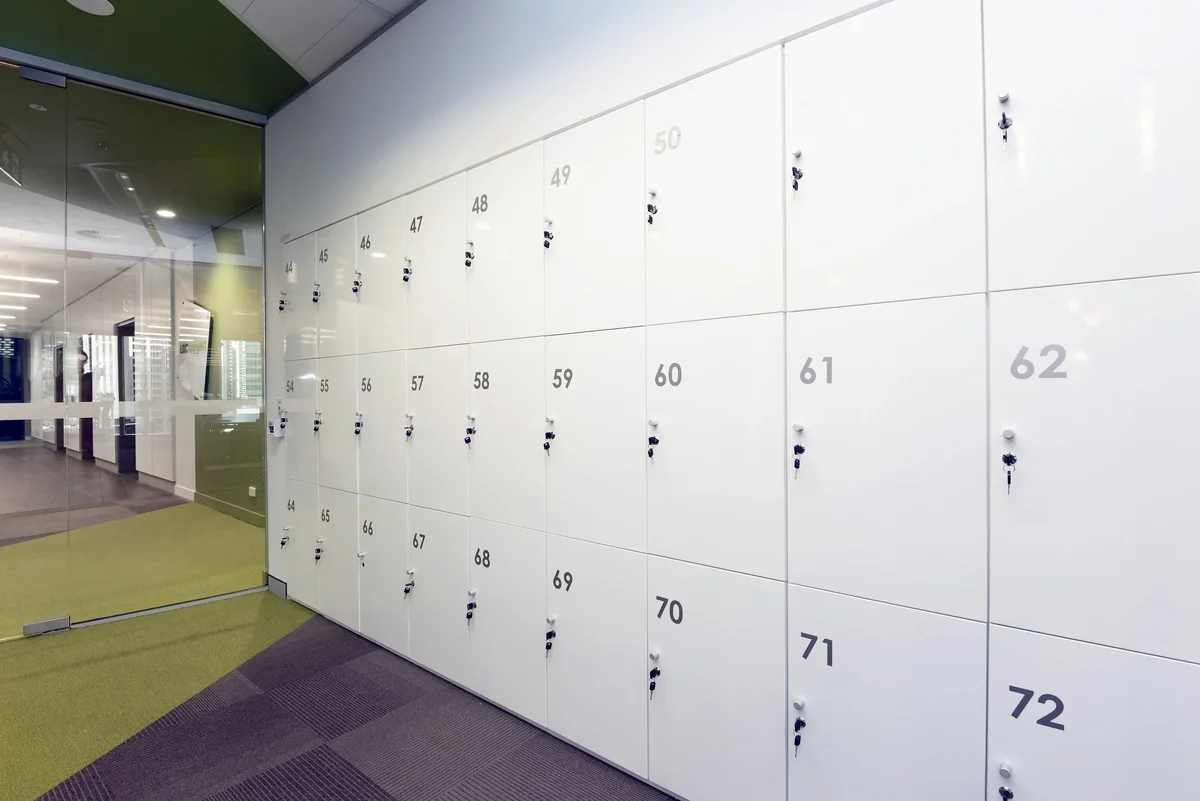
Effortless and Intuitive Locker Administration
Allocation, payment and oversight all happen in one place. A pupil or employee picks a locker from the free ones and books it themselves; an administrator assigns, tracks and monitors usage in a few clicks — with no lists, no spreadsheet and no key register kept by hand.
Users serve themselves
Choosing a locker, booking, paying, extending and ending the rental all happen from the user's own account. No administrator needed.
Administrators see it live
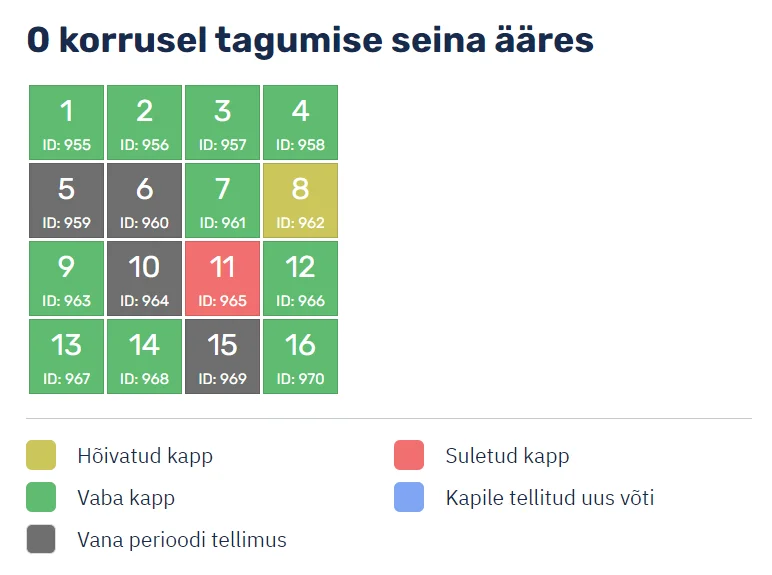
Free and occupied lockers, payment status, period end dates and key movements on a single view.
What the platform does
Two roles, each seeing only what it needs.
Locker user
Pupil, parent or employee
- Create an account and sign in
- See available lockers at the chosen location
- Pick and book a suitable locker
- Pay in the same place
- Overview of their own orders
- Extend the rental for the next period
- End the rental and return the key
- Order a new or additional key
- Report a problem (broken lock, lost key)
- Manage their profile and contact details
- Choose the interface language
Location administrator
School or company contact person
- Manage locations — several buildings or sites under one organisation
- Add, edit and close lockers
- Take a locker out for maintenance and reopen it
- View and edit all orders
- Process key orders
- List of users and their details per location
- Create, edit and open rental periods
- Download a locker report as PDF
- Edit e-mail templates and send an e-mail to a user
- Edit SMS templates and send messages
- Switch between several locations from one account
- Manage FAQ, terms of service and contact page content
- Order history and change log
What runs without you
These run in the background every day. An administrator only steps in for the exceptions.
Payment reminder
An unpaid order gets a reminder before the due date.
Unpaid order cancellation
If payment does not arrive in time, the locker is released to the next person automatically.
Payment confirmation
On payment the user receives a confirmation and the locker is marked as taken.
Renewal invitation
Before the period ends, the user is invited to extend the rental.
Period end tracking
The system watches rental period end dates and marks finished rentals.
Termination notice
When a rental ends, a notice goes out with instructions for returning the key.
It talks to your other systems
Payments, accounting and notifications do not need to be copied by hand from one system into another.
Payment provider — Montonio
The user pays right at the point of booking by bank link or card. The payment reaches the system automatically — no invoice has to be reconciled by hand.
Accounting
Orders and customers flow into accounting software automatically — SmartAccounts is in use today.
SMS notifications
Besides e-mail the system can send SMS — reminders, confirmations, or a message to a whole location.
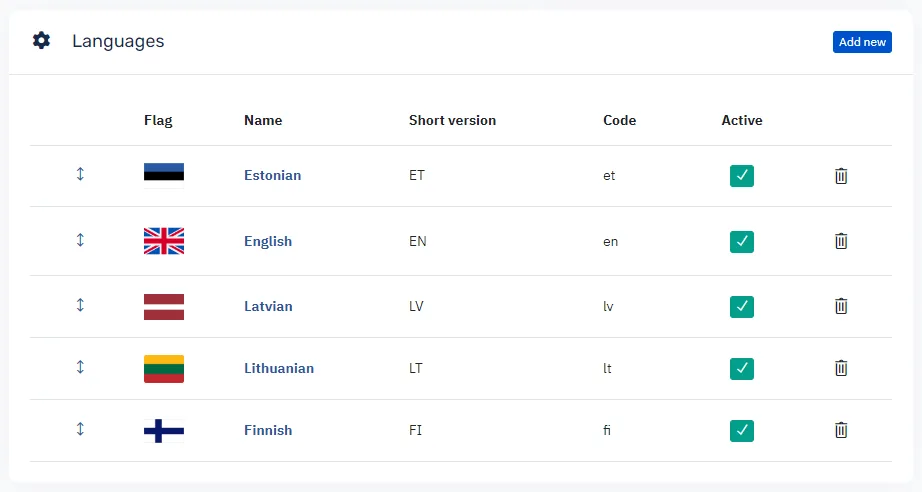
Multilingual out of the box
Language choice matters in schools and international companies. Users pick their own language and the system remembers it on their account.
Further languages can be added on request. Translations are edited directly in the system — adding a language does not require a new software release.
You pay for lockers, not for users
Pricing depends on the number of lockers you manage. A small school with a few dozen lockers and a large institution with several hundred each pay for what they actually administer.
The number of users is not capped — you can have as many locker users, administrators and locations as you need.
Same system, same features — only the number of lockers under management changes. Tell us how many lockers you have and we will send a quote.
Let us look at your locker estate
Tell us how many lockers you have and how they are managed today — we will send a quote and show you the system in action.